Ideas
Running Instagram story ideas
A screenshot of your watch is fine. But a good run deserves a story people actually stop on. Here are eleven styles — each one made from a run overlay and one photo.
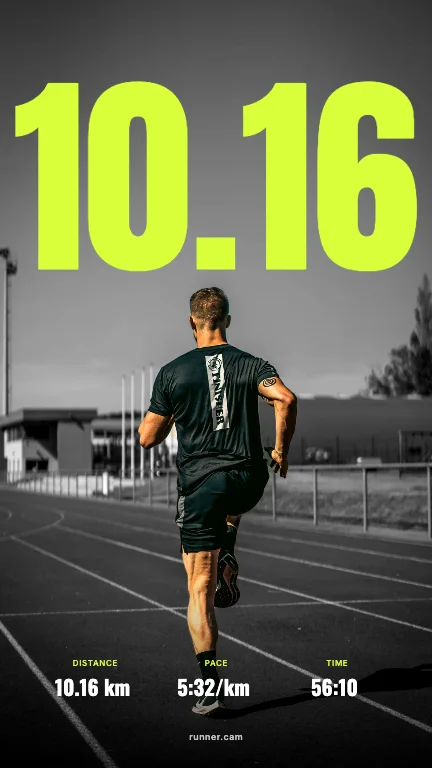
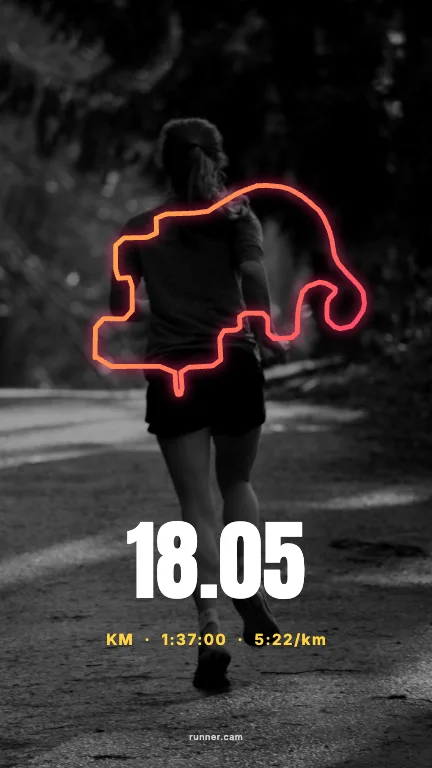
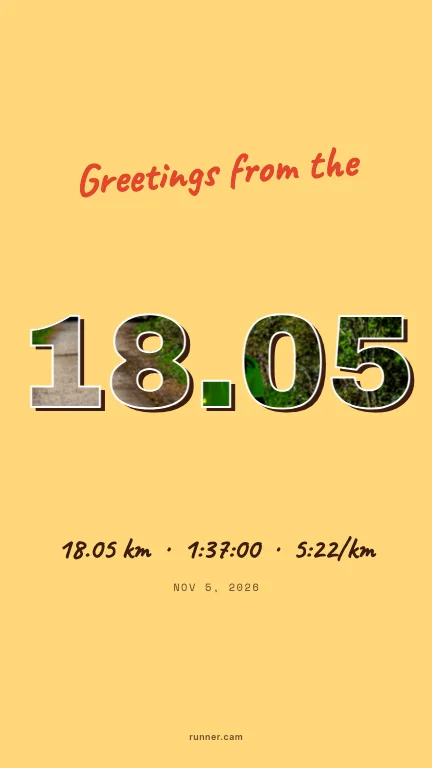
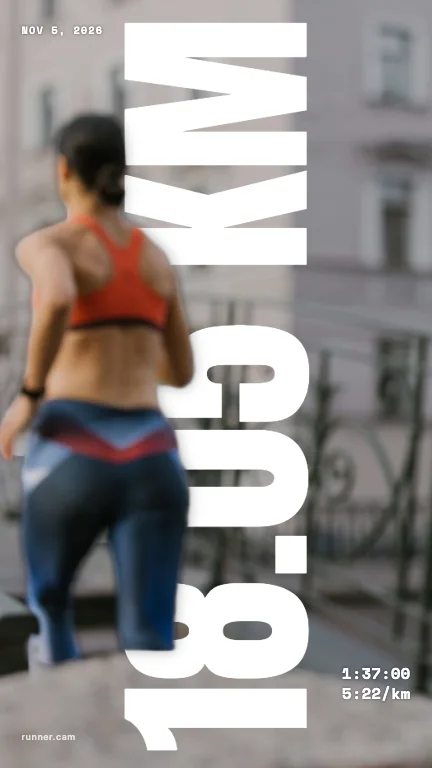
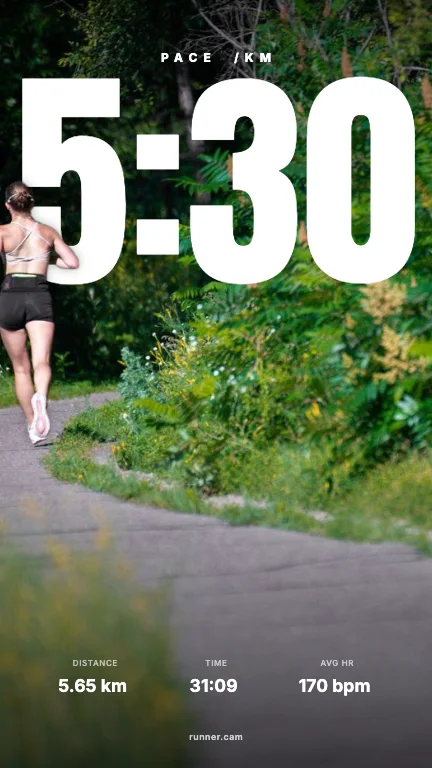
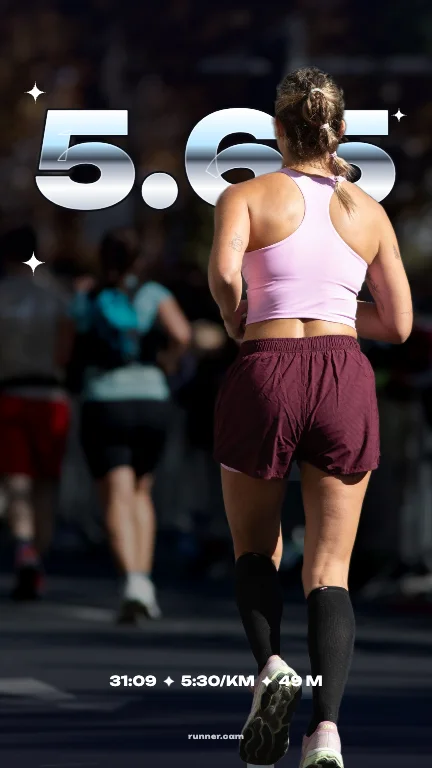
1. Text behind you
Your distance in giant type, and you standing in front of it. The most eye-catching way to show a number.
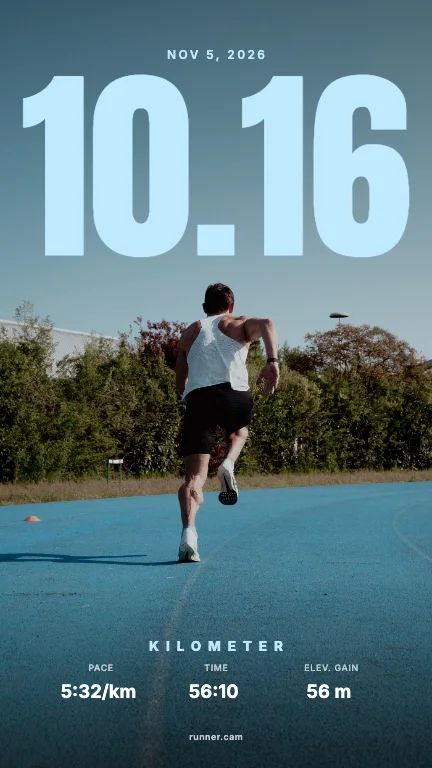
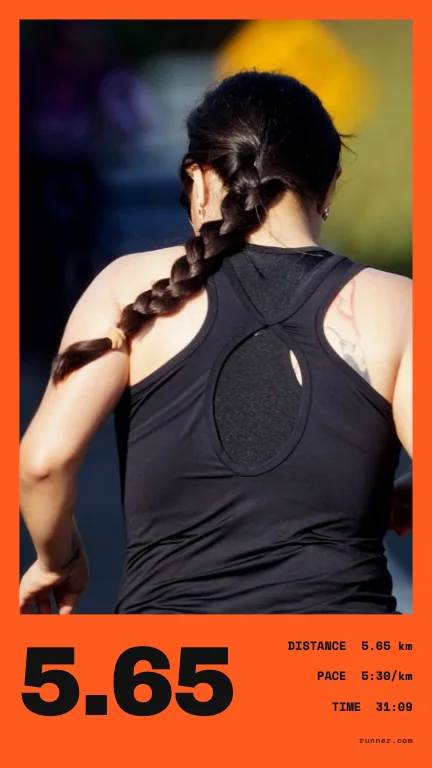
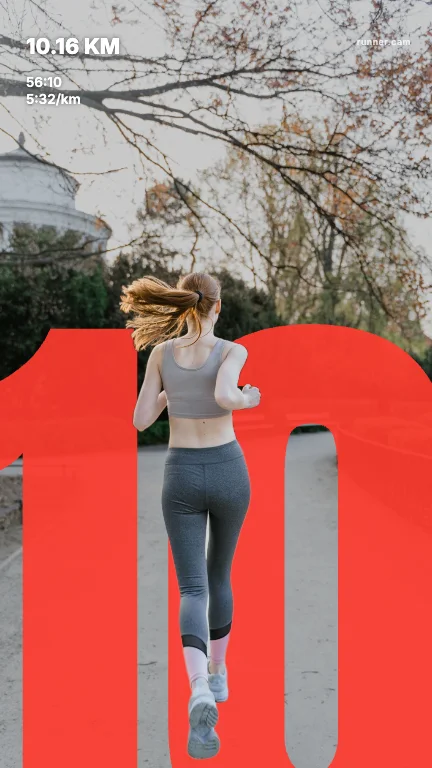
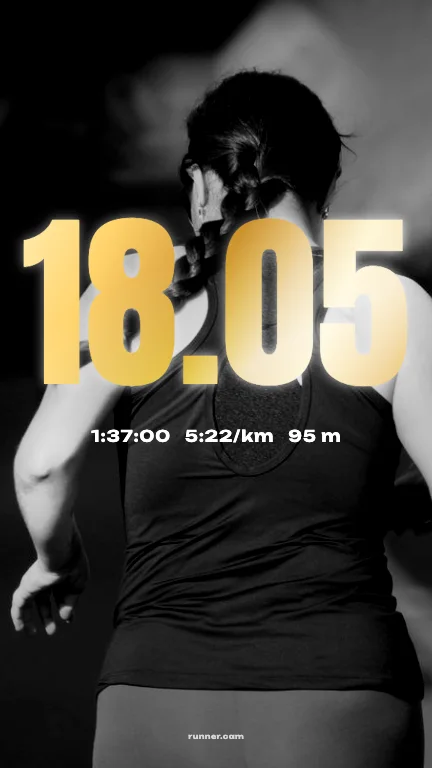
2. Bold
Heavy type, strong colour, oversized digits. Made for race day and personal bests.
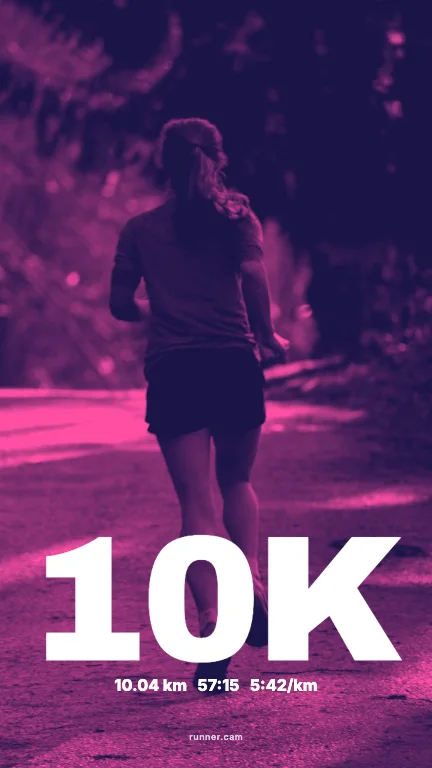
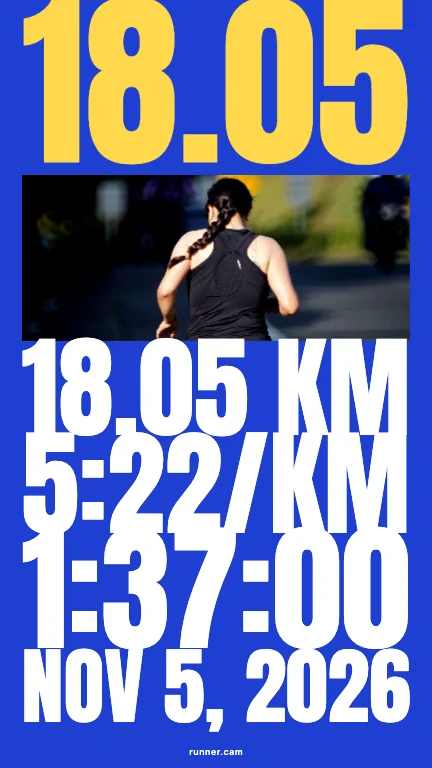
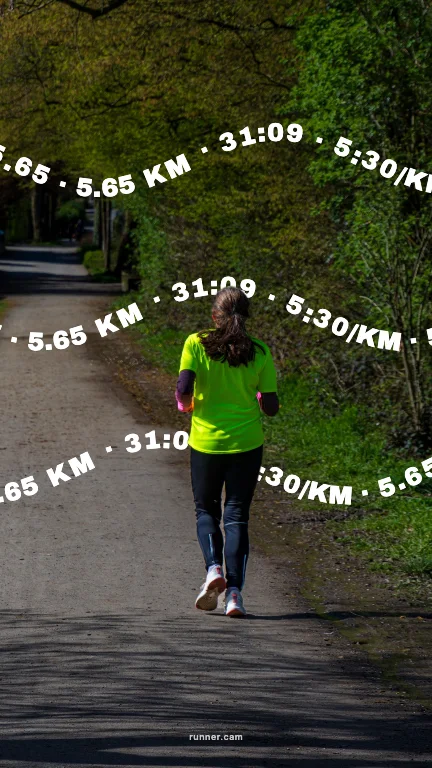
3. Type
Typography as the hero: justified stacks, Swiss grids, text that follows a wave.
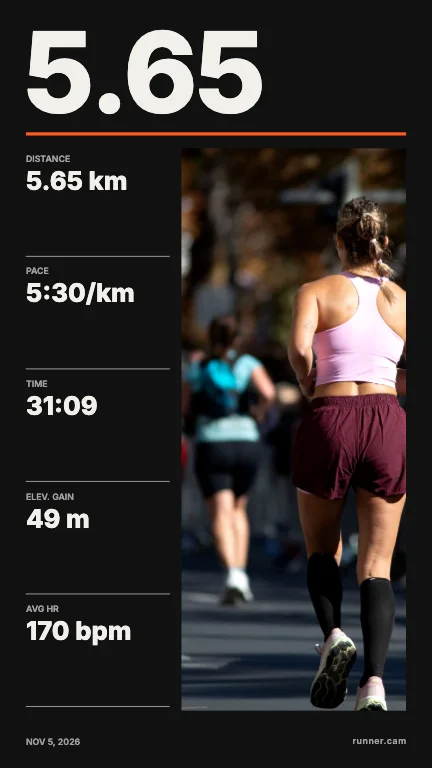
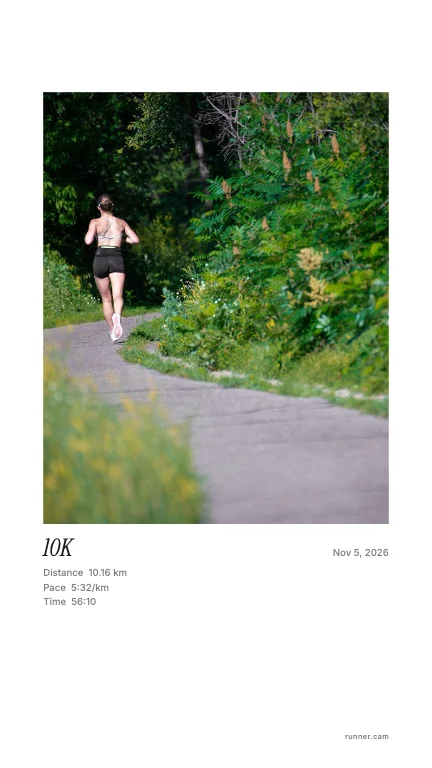
4. Clean
Let the photo breathe — small, precise stats and lots of space.
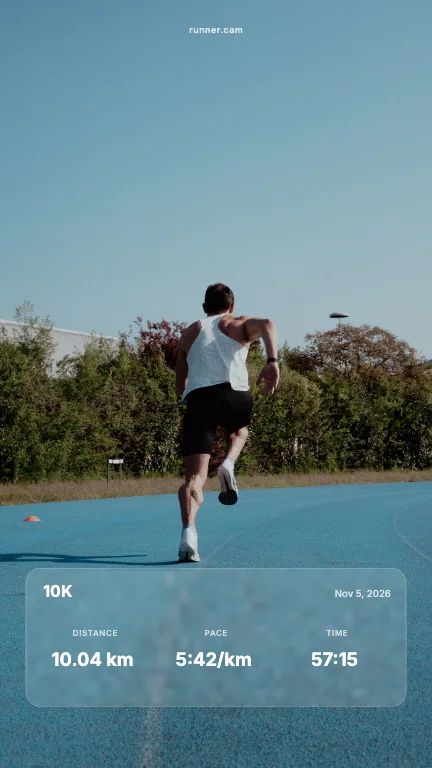
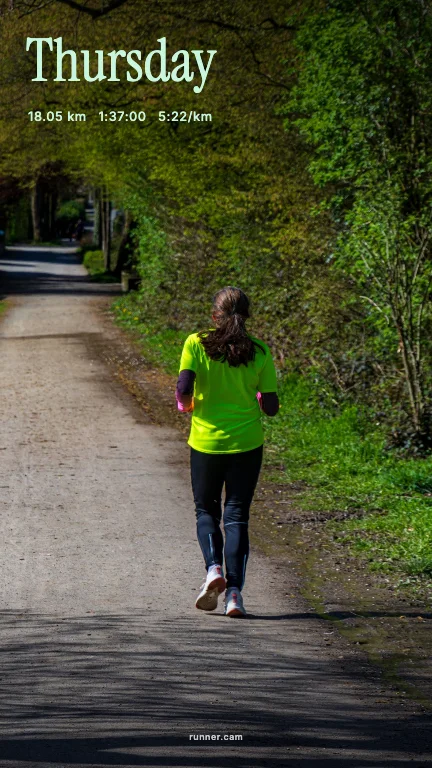
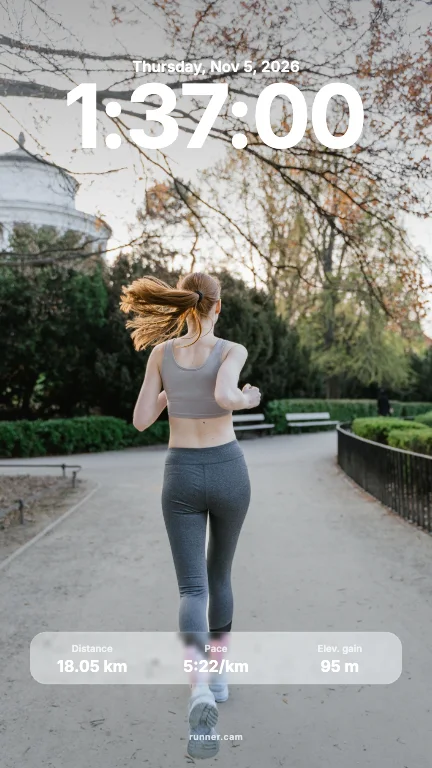
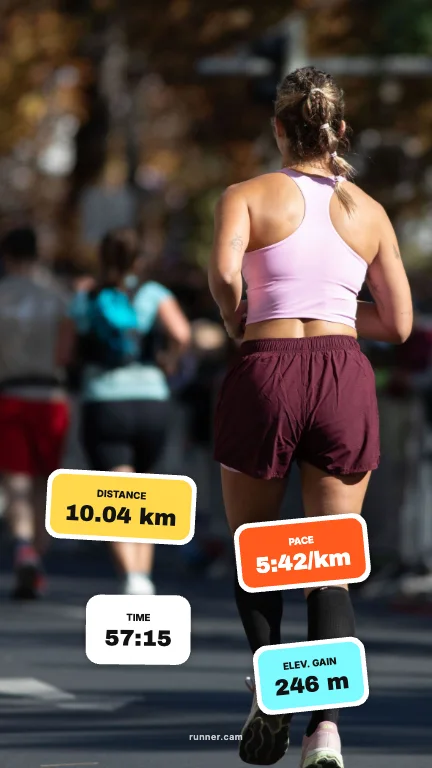
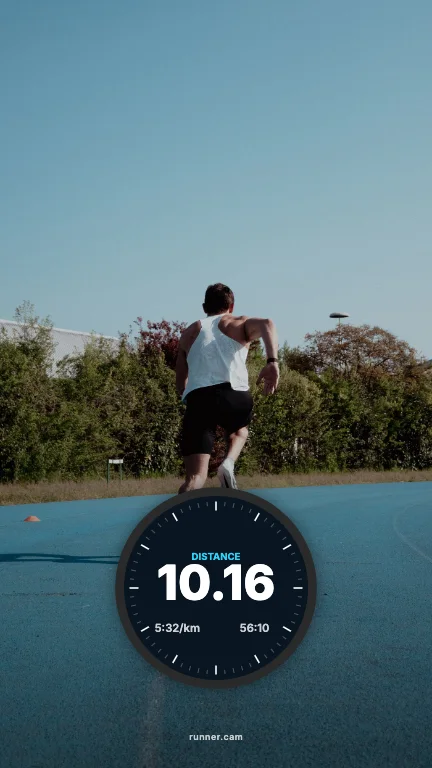
5. Stickers & widgets
Your run as a lock screen, a widget, a watch face or a sheet of stickers.
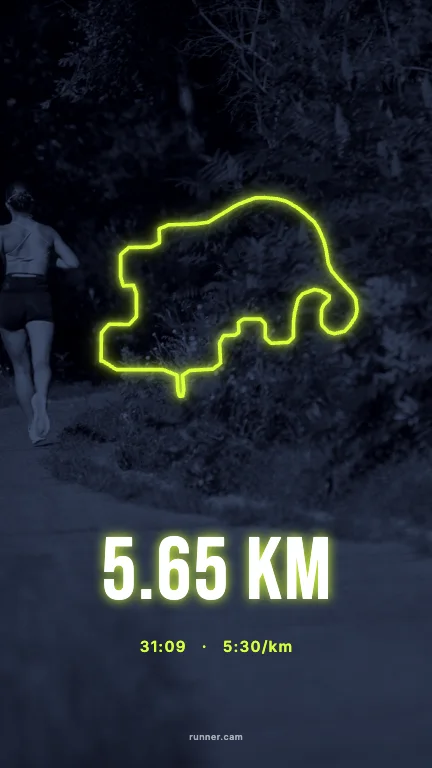
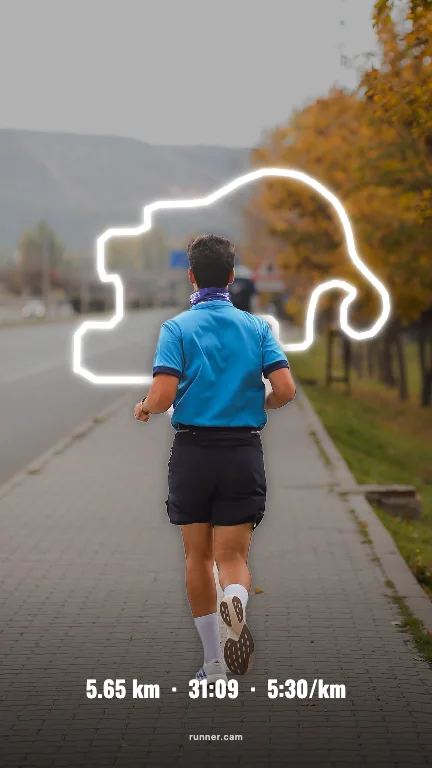
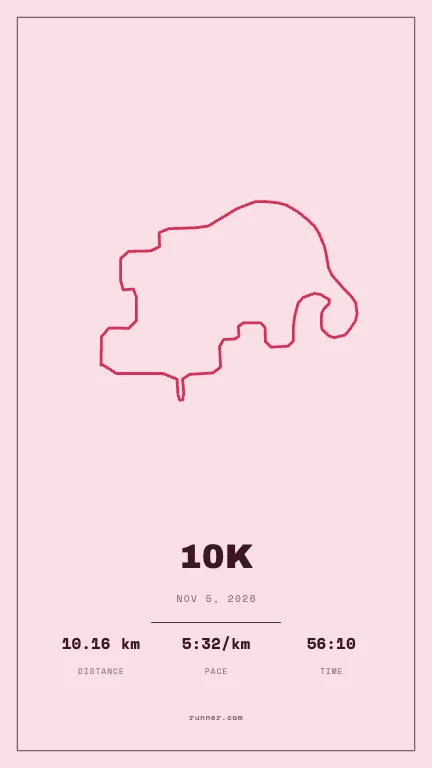
6. Route
The line you ran, redrawn: neon over the photo, behind you, or as a print.
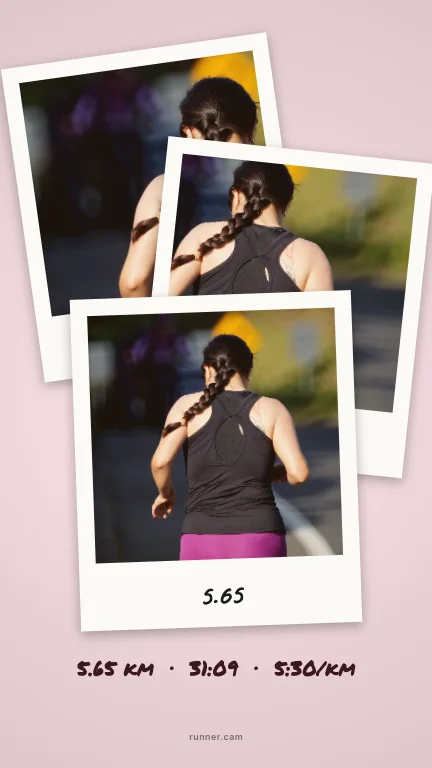
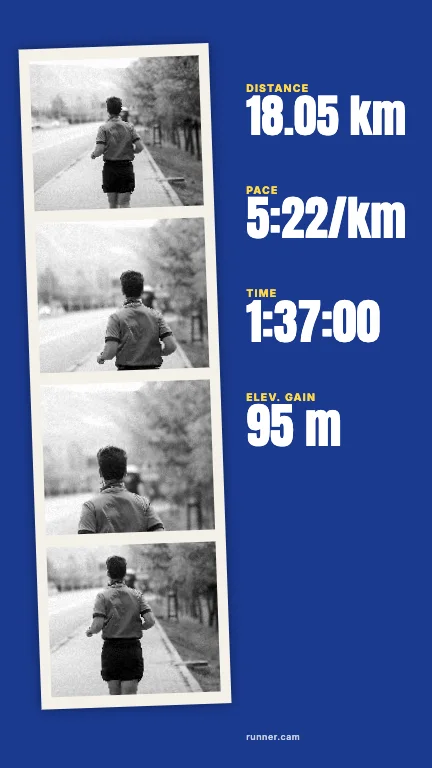
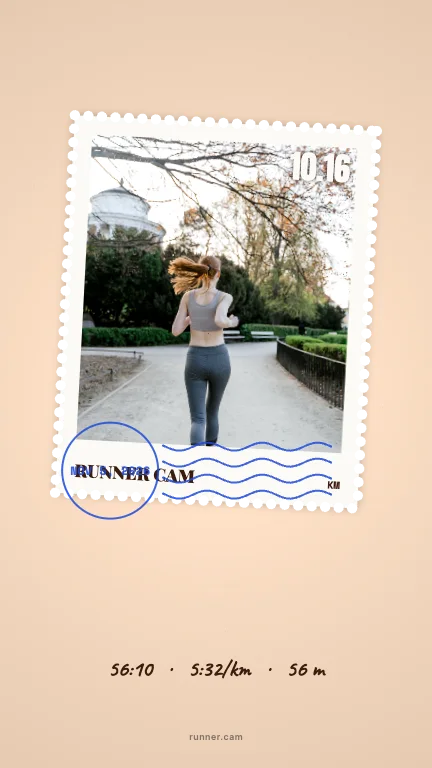
7. Collage
Polaroids, photobooth strips, washi tape and stamps — scrapbook energy.
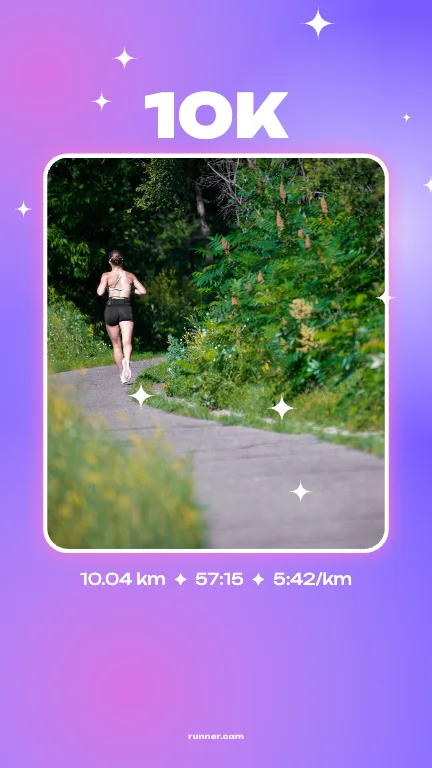
8. Y2K & chrome
Chrome type, holo foil and sparkle gradients, straight from the 2000s.
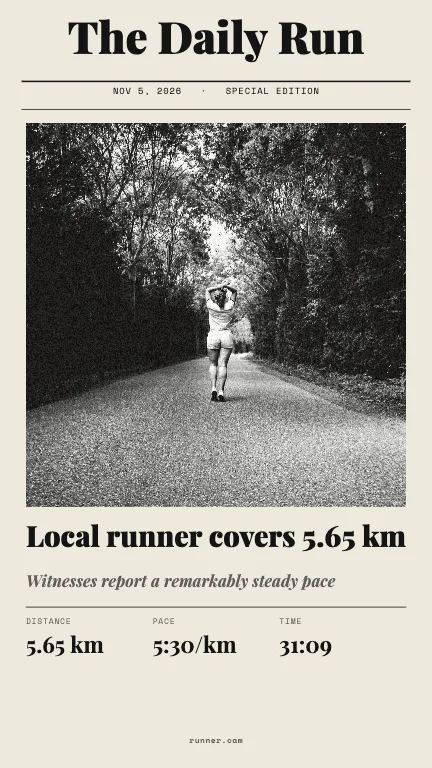
9. Retro
Newspapers, race tickets, receipts and seventies stripes.
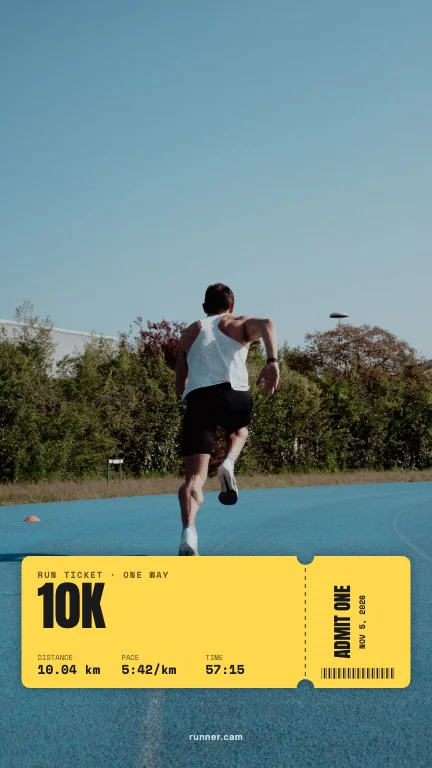
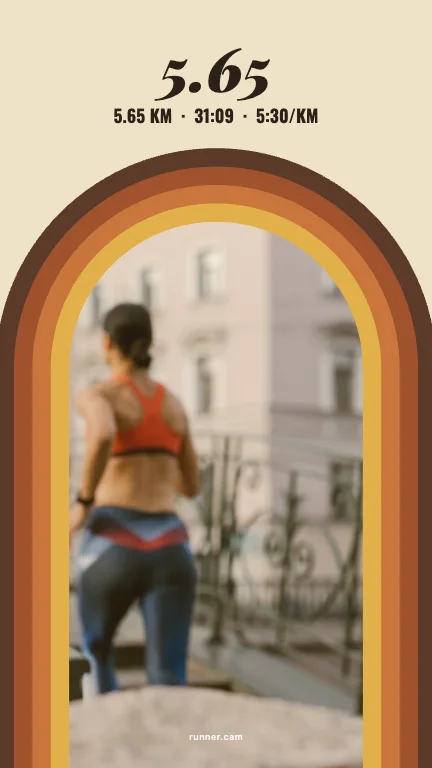
10. Editorial
Your run on the cover of a sports magazine, as a calendar page or a contents page.
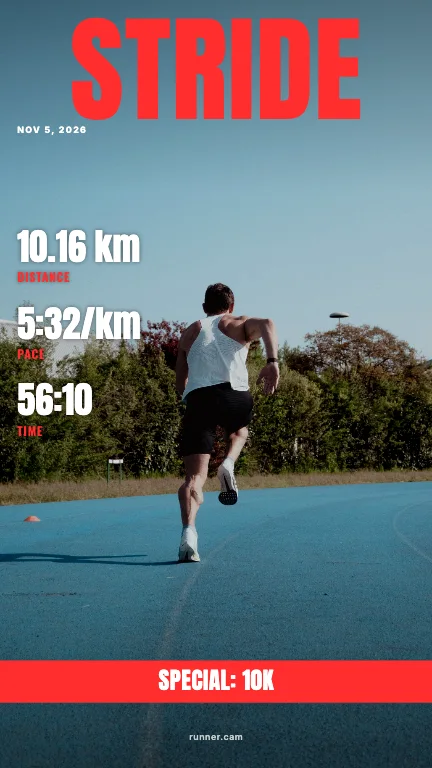
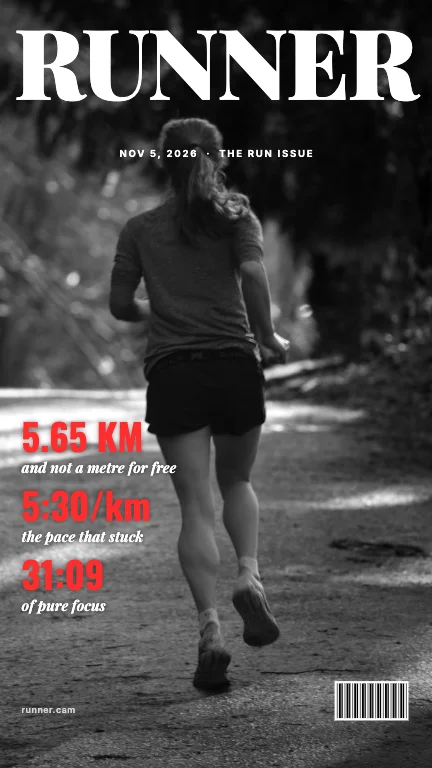
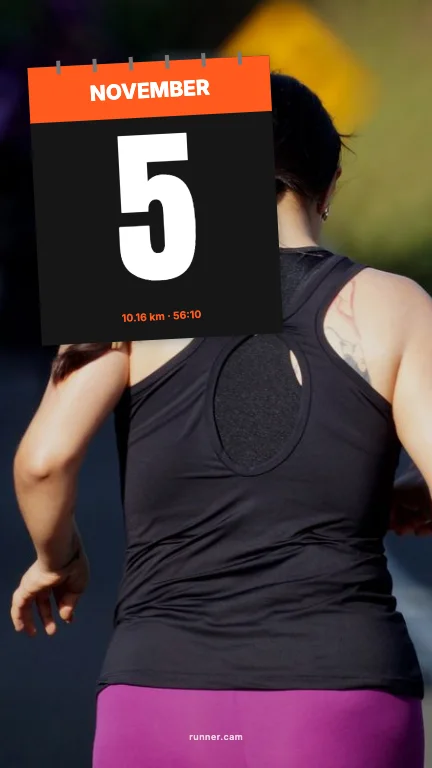
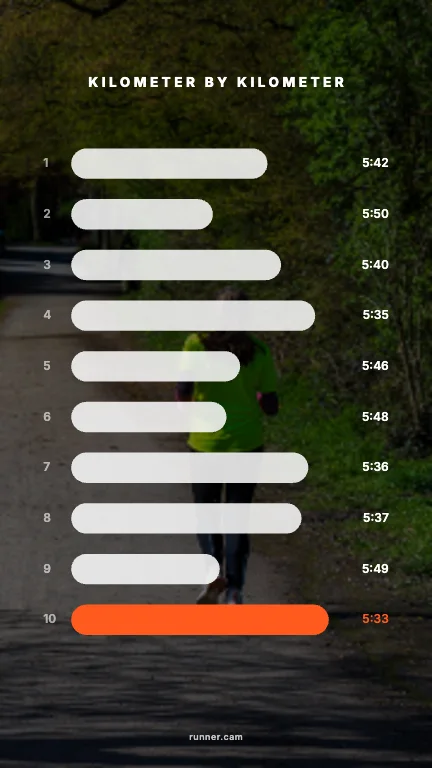
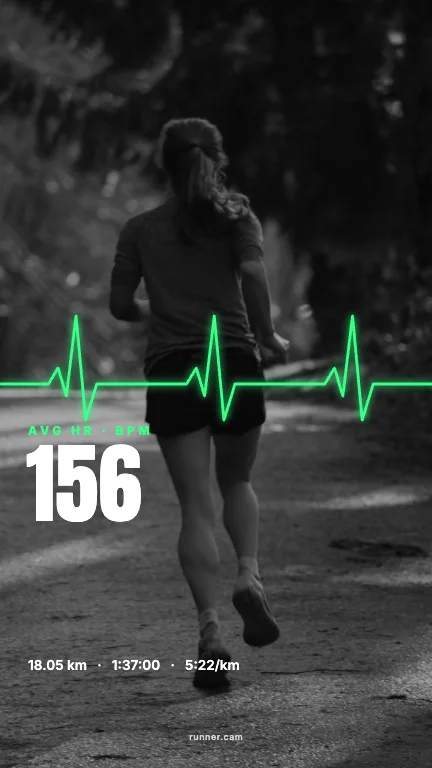
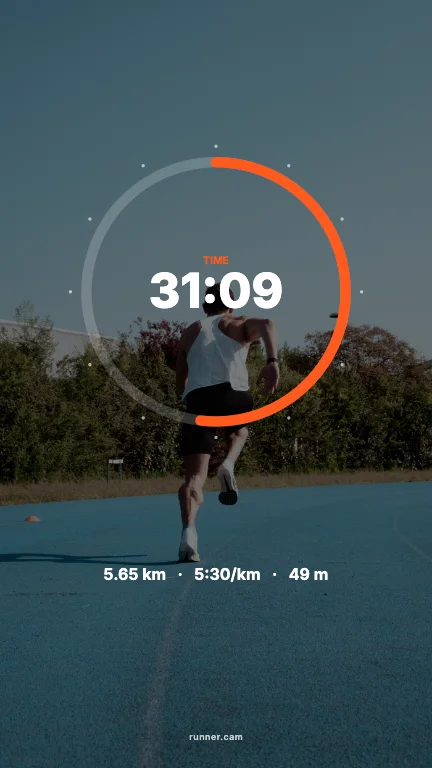
11. Data
For the numbers people: splits, heart-rate pulse, elevation and clock arcs.
Make yours
- 01Upload your run overlay or a screenshot of the activity. Runner Cam reads distance, time, pace, elevation, heart rate and the route.
- 02Pick a photo of you. We cut you out, so text can sit behind you.
- 03Browse 100 layouts for Story (9:16) and Feed (4:5), pick a colour, share or save.
FAQ
- Which running apps work?
- Any app that shows your run on screen: Strava, Garmin Connect, Nike Run Club, Apple Fitness, Runna, Coros and others. Upload the share image or a screenshot.
- Do I need a photo?
- For most styles, yes — a photo of you. The cut-out makes the text-behind-you layouts possible.
Runner Cam is an independent tool and is not affiliated with or endorsed by Strava, Garmin, Nike, Apple or any other app mentioned.