Works with Strava
Share your Strava run to your Instagram story
There are two ways to get a run from Strava into your story. The built-in sticker is quick. Runner Cam is for when the run deserves more than a sticker.
Option 1: Strava's built-in sticker
- 01Open the activity in Strava and tap Share.
- 02Choose "Instagram Stories" — or save the transparent sticker (checkered background) to your camera roll.
- 03In Instagram, pick your photo as the background, add the sticker and place it.
It is fast and always available. The trade-off: the sticker looks the same for everyone, and it sits on top of your photo.
Option 2: a story that looks designed
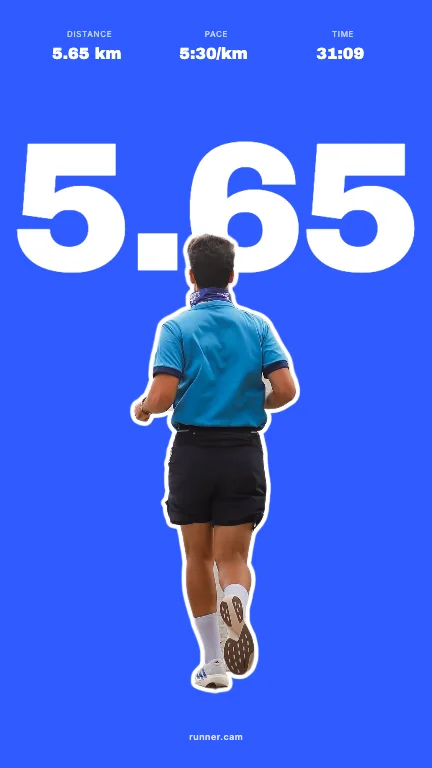
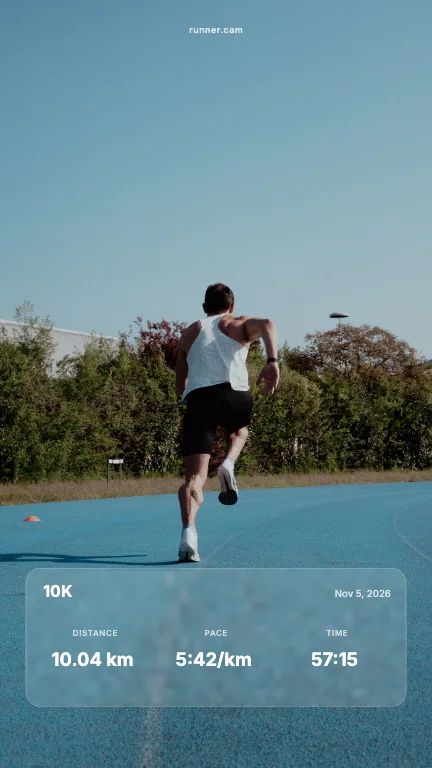
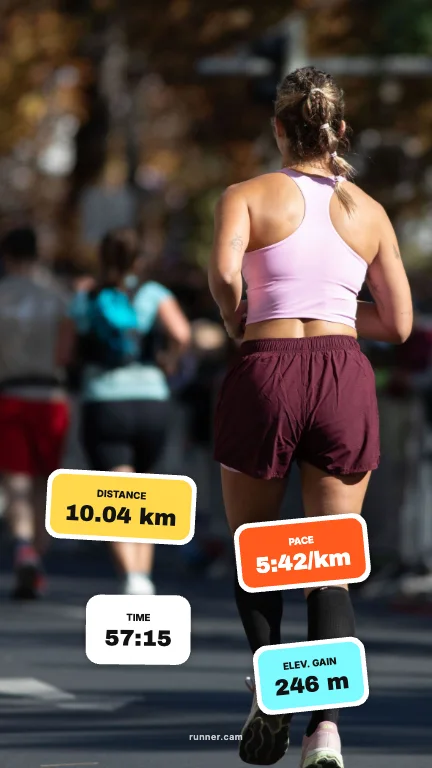
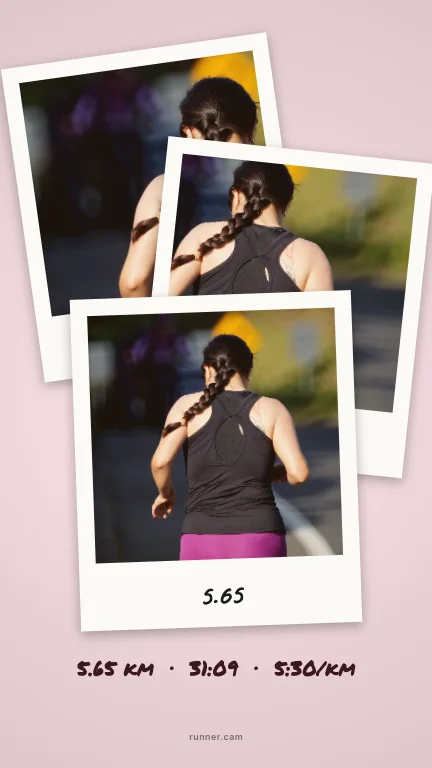
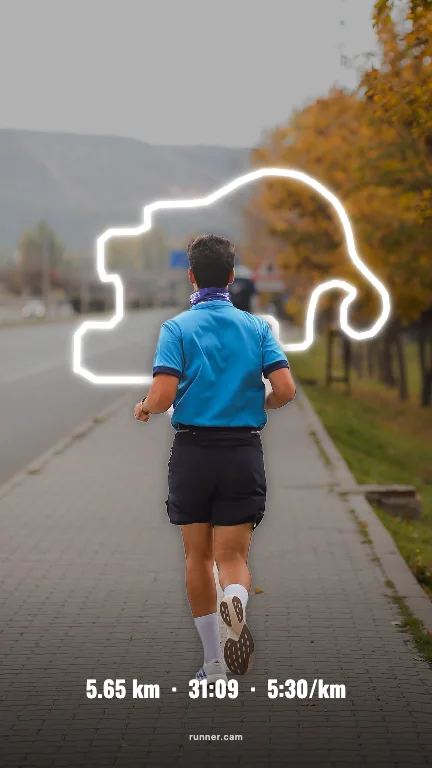
Save the same sticker (or take a screenshot of the activity) and open Runner Cam. Add a photo of you, and you get 100 finished story layouts — every one already in 9:16.
- 01Upload your run overlay or a screenshot of the activity. Runner Cam reads distance, time, pace, elevation, heart rate and the route.
- 02Pick a photo of you. We cut you out, so text can sit behind you.
- 03Browse 100 layouts for Story (9:16) and Feed (4:5), pick a colour, share or save.


Story tips that work
- Use a photo where you are clearly visible against the background — the cut-out looks best then.
- Big number, few details: distance or time reads instantly while people tap through stories.
- For a race, pick a layout with the date — it turns the story into a keepsake.
- Post the 4:5 version to your feed and the 9:16 version to your story.
FAQ
- Why does my Strava story look cropped?
- Instagram stories are 9:16. Runner Cam renders every layout at 1080×1920, so nothing gets cut off.
- Can I share a private Strava activity?
- Strava lets you share a sticker from private activities too. Runner Cam only sees what is on your sticker or screenshot.
- Does it work on Android and iPhone?
- Yes, Runner Cam runs in the browser on both. Sharing goes straight to Instagram via your phone's share menu.
Runner Cam is an independent tool and is not affiliated with or endorsed by Strava, Garmin, Nike, Apple or any other app mentioned.