The effect
Put text behind you in your photo
The text-behind-person look usually means masking by hand in an editor. Runner Cam does the cut-out for you and places your run's numbers behind you — in seconds, on your phone.
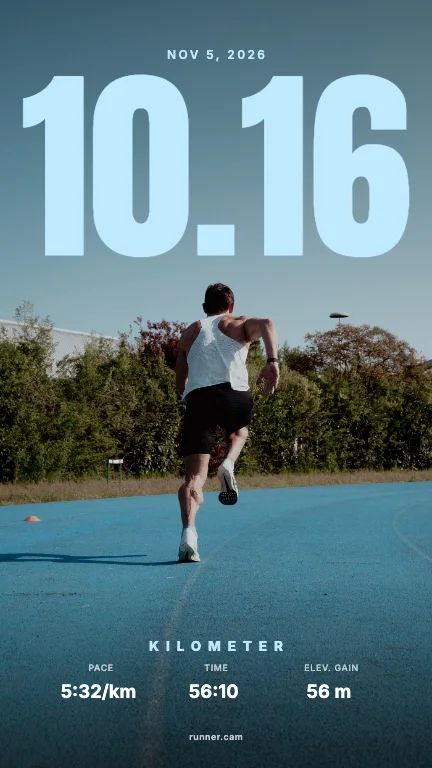
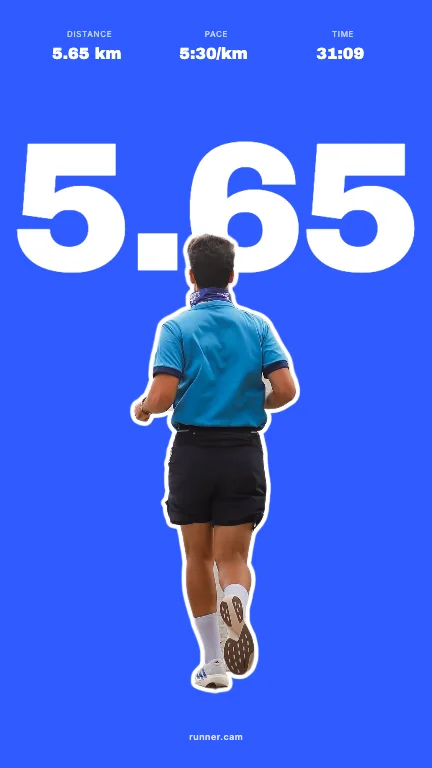
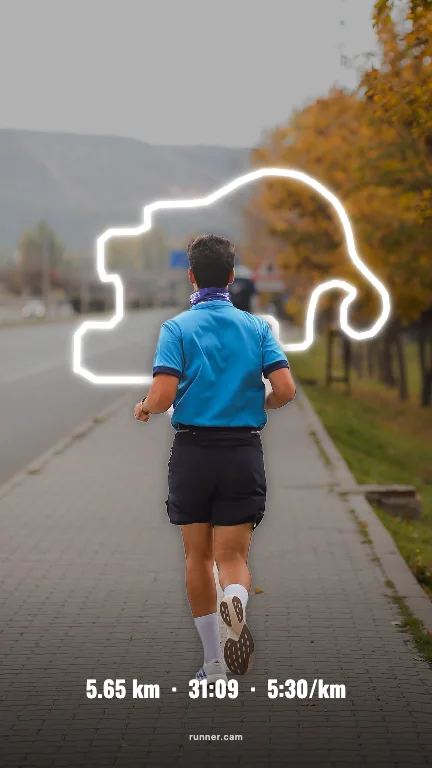
How the effect works
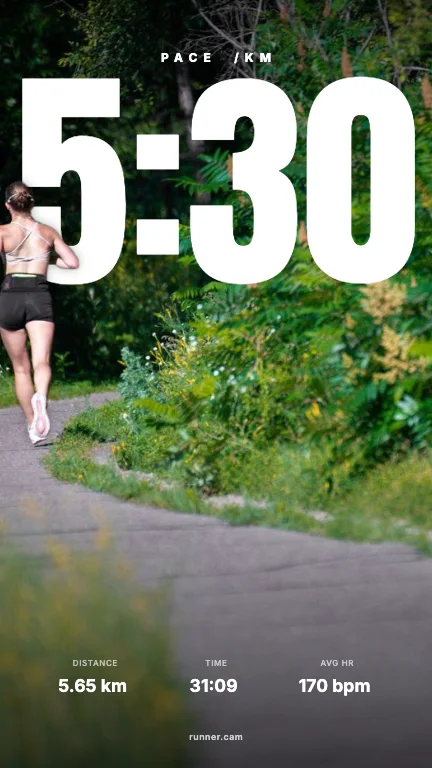
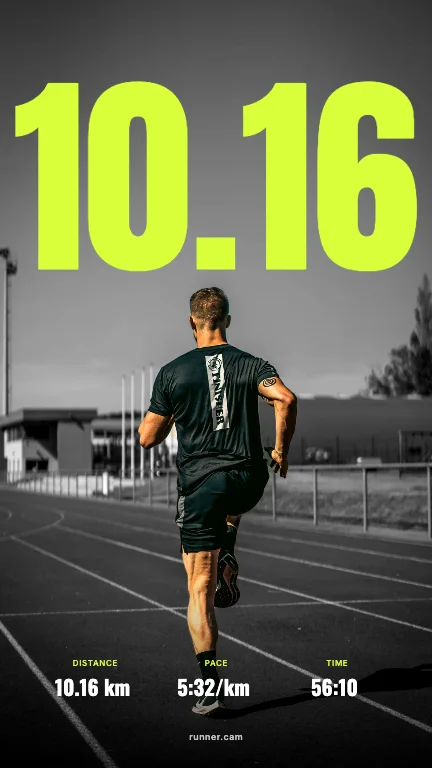
A design with text behind a person has three layers: the photo, the text, and the person cut out and placed on top again. The hard part is the cut-out — hair, arms, gaps between legs.
Runner Cam cuts you out automatically and keeps real gaps (like the space between your legs) open, so the text shows through where it should.
Made for runs
Instead of typing text, you upload your run overlay. Your distance, time or pace becomes the giant type — and the rest of your stats sit neatly below.
- 01Upload your run overlay or a screenshot of the activity. Runner Cam reads distance, time, pace, elevation, heart rate and the route.
- 02Pick a photo of you. We cut you out, so text can sit behind you.
- 03Browse 100 layouts for Story (9:16) and Feed (4:5), pick a colour, share or save.
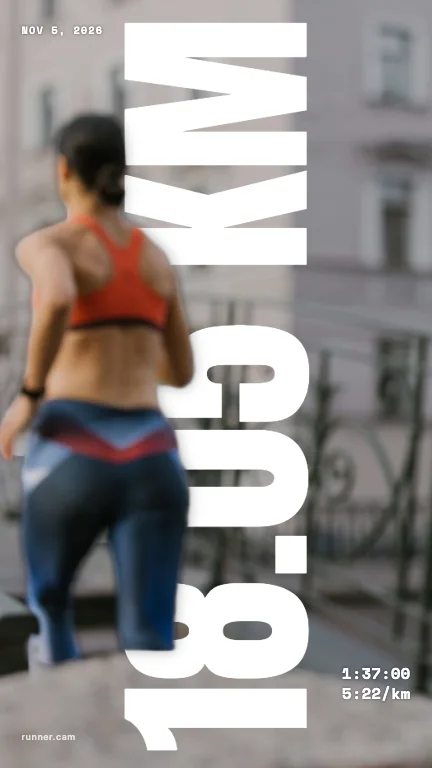
Photos that cut out best
- You are clearly visible and not too small in the frame.
- Some space above you — that is where the big number goes.
- A background that contrasts with you (not the same colour as your shirt).
- Running away from the camera works great: back shots are a classic for this look.
FAQ
- Can I write my own text?
- Runner Cam is built around run data, so the big text is your distance, time or pace. You can edit the values before sharing.
- Does it work with group photos?
- Yes, people in the photo are cut out together. Results are best when the runners are clearly separated from the background.
- Is the photo uploaded?
- Only for the cut-out, and it is not stored. Everything else happens on your device.
Runner Cam is an independent tool and is not affiliated with or endorsed by Strava, Garmin, Nike, Apple or any other app mentioned.