Works with Strava
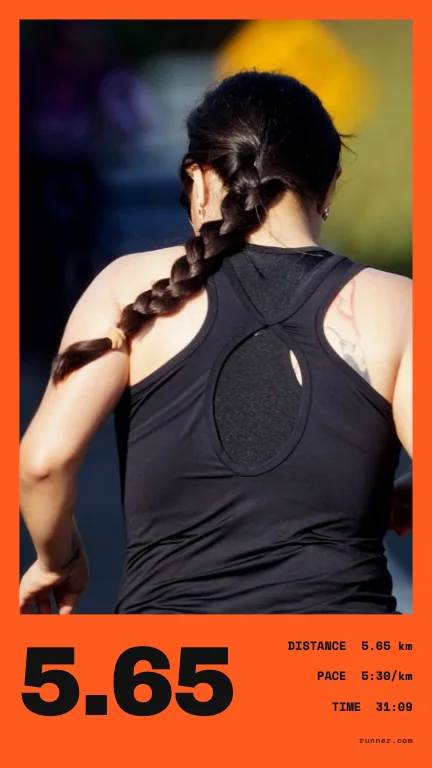
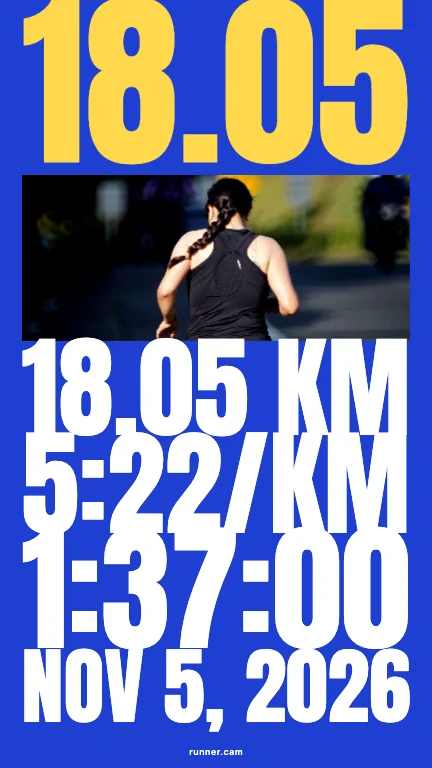
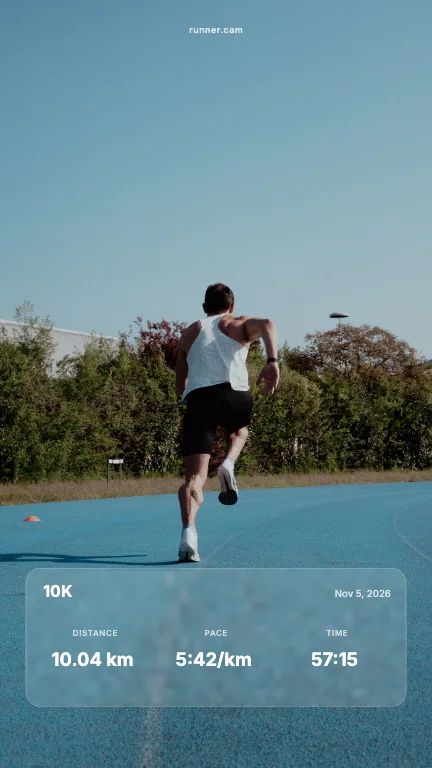
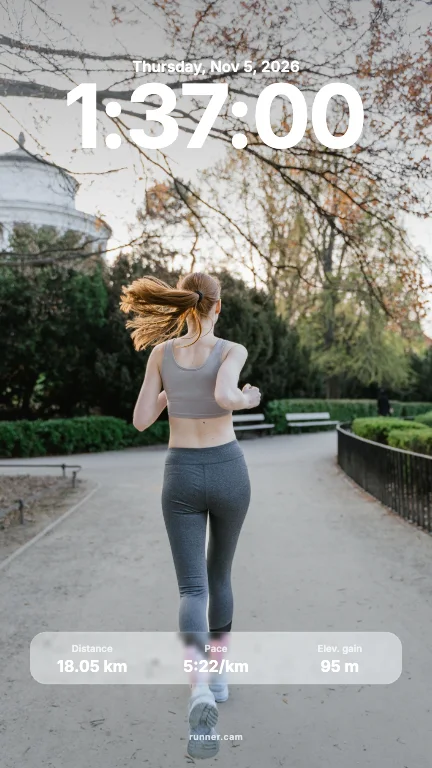
100 Strava post templates, filled in for you
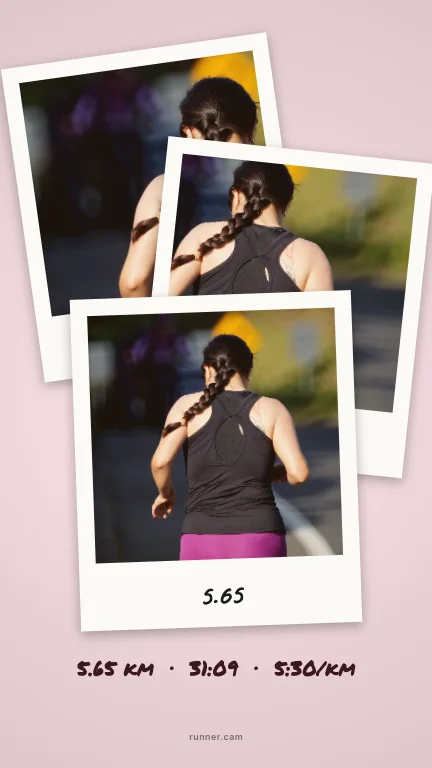
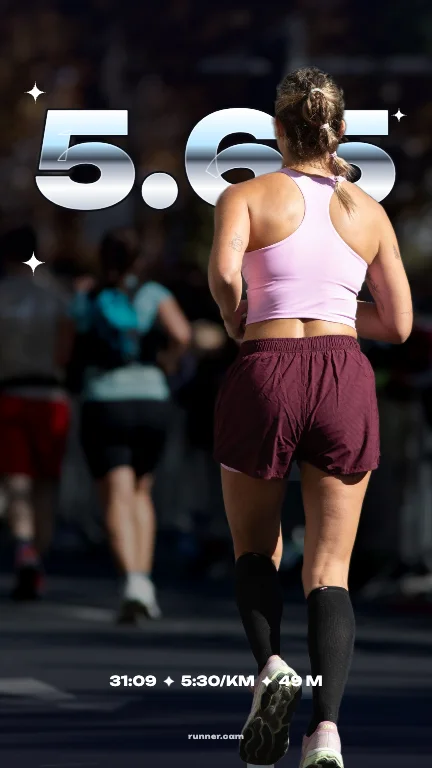
Templates you have to fill in by hand are a chore. Runner Cam reads your Strava overlay and drops your real numbers into every layout at once — you just pick the one you like.
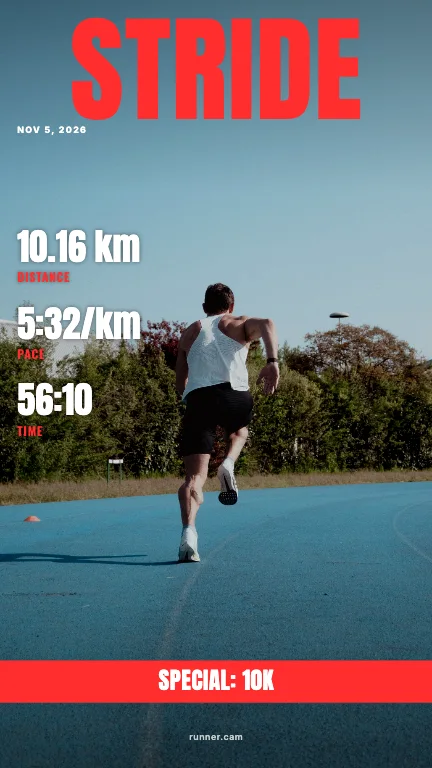
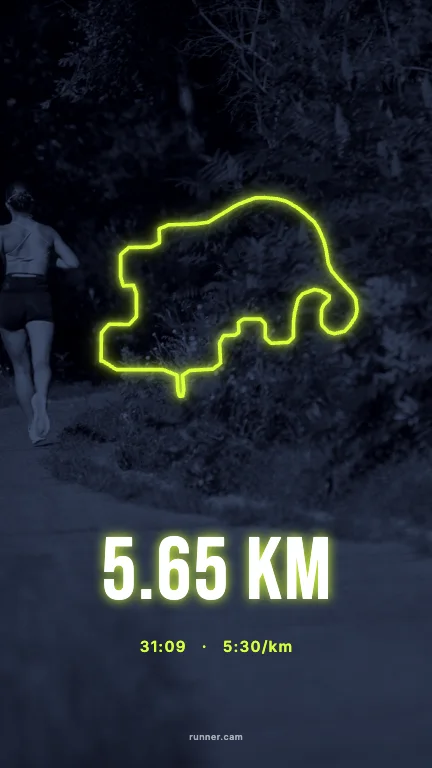
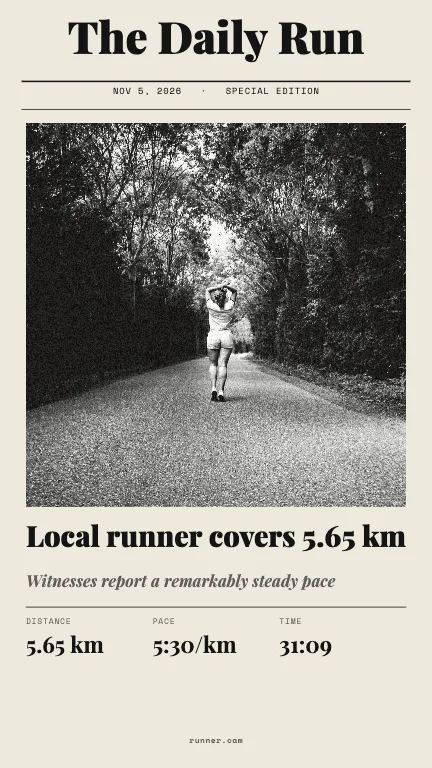
Eleven styles, one run
Every template exists for Story (9:16) and Feed (4:5) and comes in several colourways.
How it works
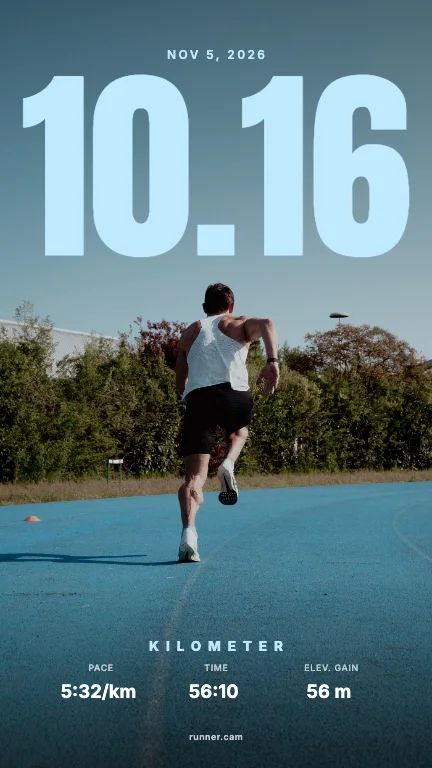
- 01Upload your run overlay or a screenshot of the activity. Runner Cam reads distance, time, pace, elevation, heart rate and the route.
- 02Pick a photo of you. We cut you out, so text can sit behind you.
- 03Browse 100 layouts for Story (9:16) and Feed (4:5), pick a colour, share or save.
What goes into a template
- Distance, moving time and average pace.
- Elevation, heart rate, calories and cadence when your overlay shows them.
- Date and activity title, if you want them.
- Your route, redrawn as a clean vector line.
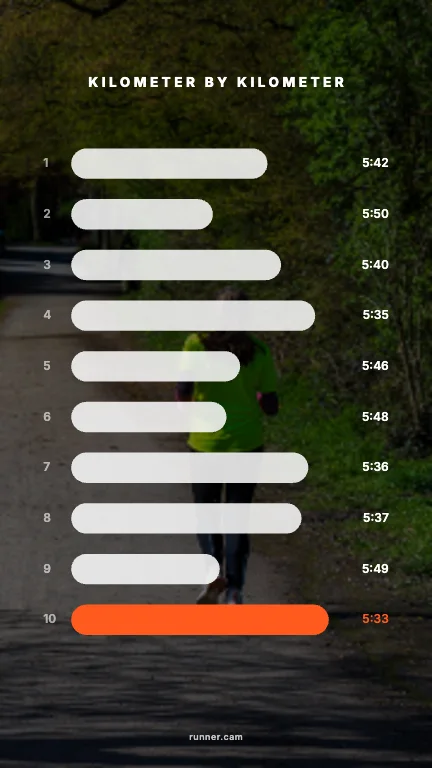
- Per-km splits for the data layouts, when the screenshot contains them.
Templates only appear when your run has the data they need — a route layout needs a route, for example.
FAQ
- Are the templates free?
- Yes, all of them. No account, no paywall.
- Can I change the colours?
- Yes. Every template has several palettes, and you can adjust crop and details before sharing.
- Can I use it for cycling or hiking?
- Runner Cam is made for running, but any activity overlay with distance and time will work.
Runner Cam is an independent tool and is not affiliated with or endorsed by Strava, Garmin, Nike, Apple or any other app mentioned.