Works with Strava
Your Strava stats on your own photo
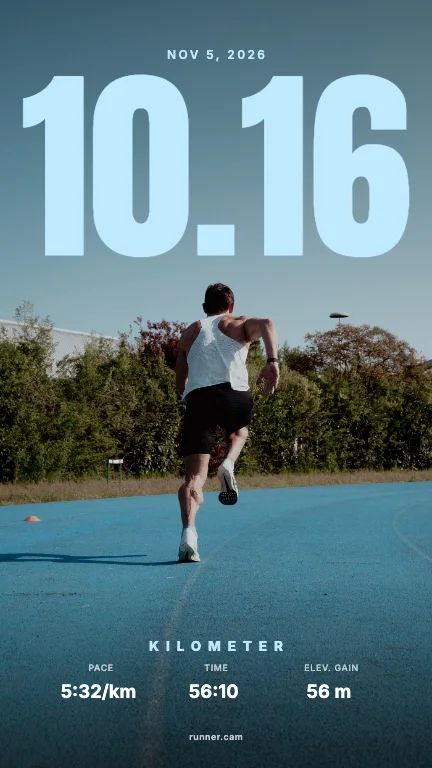
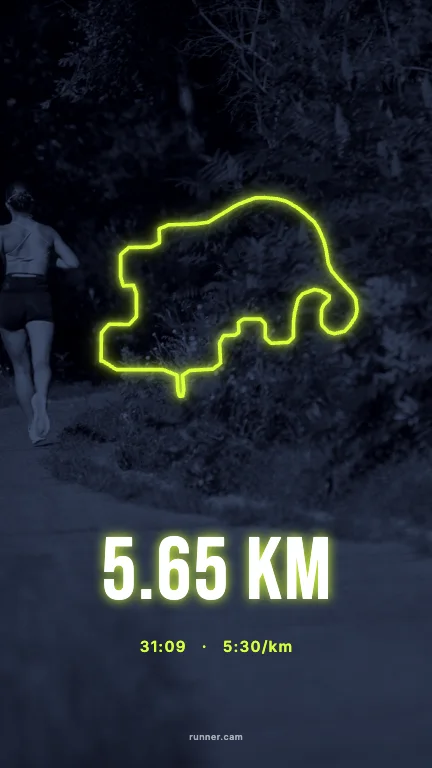
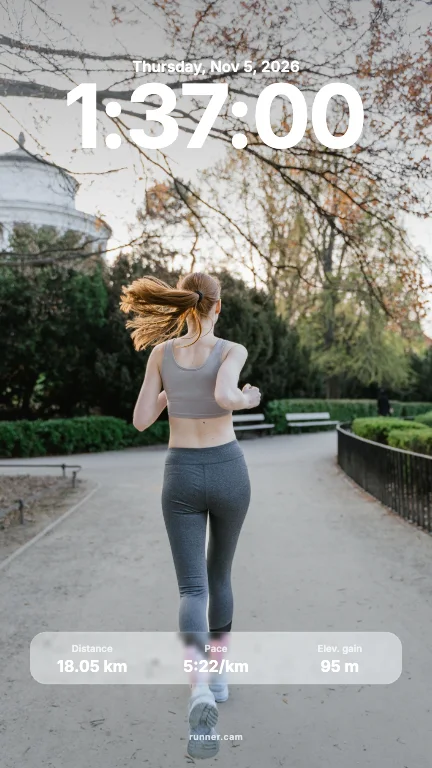
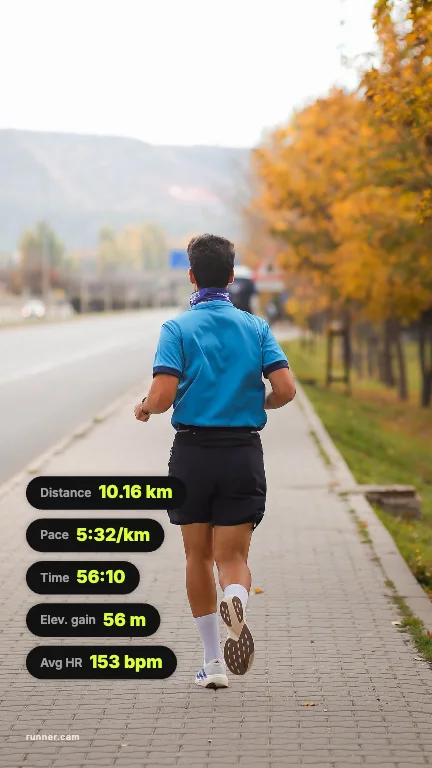
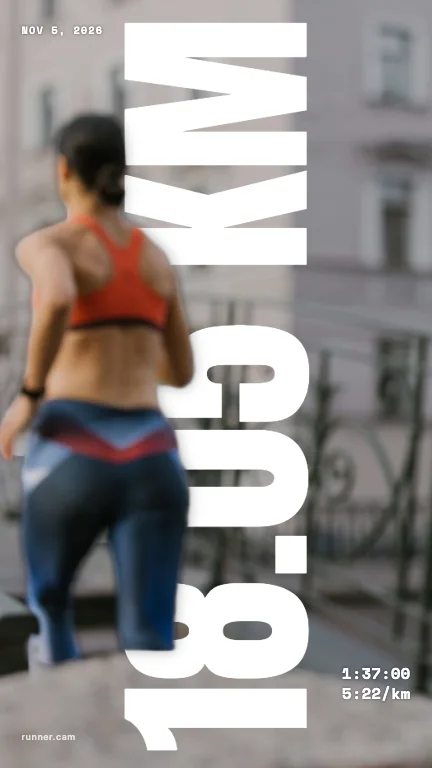
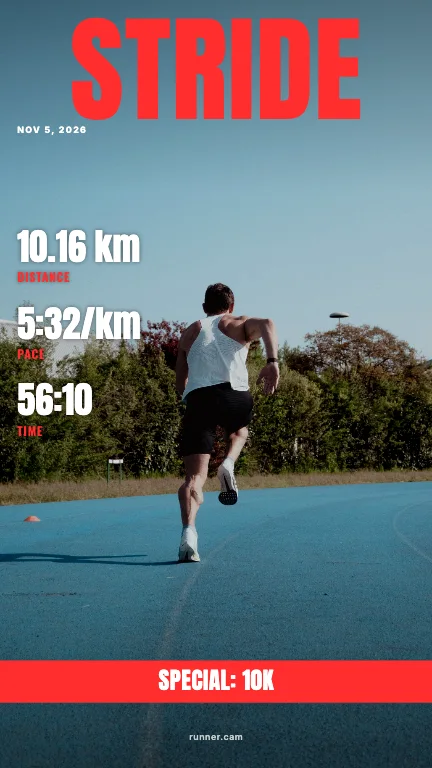
Strava's sticker is a great start — but it always looks the same. Runner Cam turns your Strava overlay and a photo of you into 100 different posts, with your numbers behind you, your route in neon or your run as a magazine cover.
How to get the overlay from Strava
Strava can export your activity as a transparent sticker. That is the cleanest input for Runner Cam, because it contains your stats and route without any background.
- 01Open the activity in Strava and tap the Share icon.
- 02Choose a sticker with the checkered background — that means it is transparent.
- 03Save it to your camera roll.
No transparent sticker at hand? A normal screenshot of the activity works too: Runner Cam reads the numbers and the route line from it.
Then make it yours
- 01Upload your run overlay or a screenshot of the activity. Runner Cam reads distance, time, pace, elevation, heart rate and the route.
- 02Pick a photo of you. We cut you out, so text can sit behind you.
- 03Browse 100 layouts for Story (9:16) and Feed (4:5), pick a colour, share or save.
Everything you see is generated from your own numbers. You can still edit any value before you share — handy if a screenshot was cropped.
Why not just use the Strava sticker?
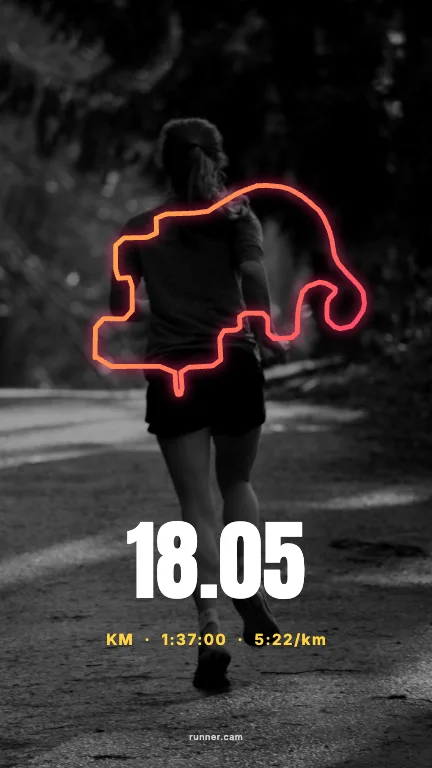
You can — and for a quick story it is perfect. Runner Cam is for the runs you want to stand out: a race, a PB, your first half. It gives you layouts the sticker can't do:
- Huge distance or time placed behind you, so you stand in front of your numbers.
- Your route redrawn as a neon line, a print or a card.
- Magazine covers, tickets, receipts, collages, Y2K chrome and more.
- Both Story (9:16) and Feed (4:5) formats.
FAQ
- Is Runner Cam free?
- Yes. No sign-up, no watermark you can't remove, no app to install.
- Do I need the transparent Strava sticker?
- No. It gives the cleanest result, but a screenshot of the Strava activity works as well.
- Is my photo stored?
- No. Your overlay is read on your device. Your photo is only sent to cut you out and is not stored — see the privacy page.
Runner Cam is an independent tool and is not affiliated with or endorsed by Strava, Garmin, Nike, Apple or any other app mentioned.